FleetAI365
Dispatch board
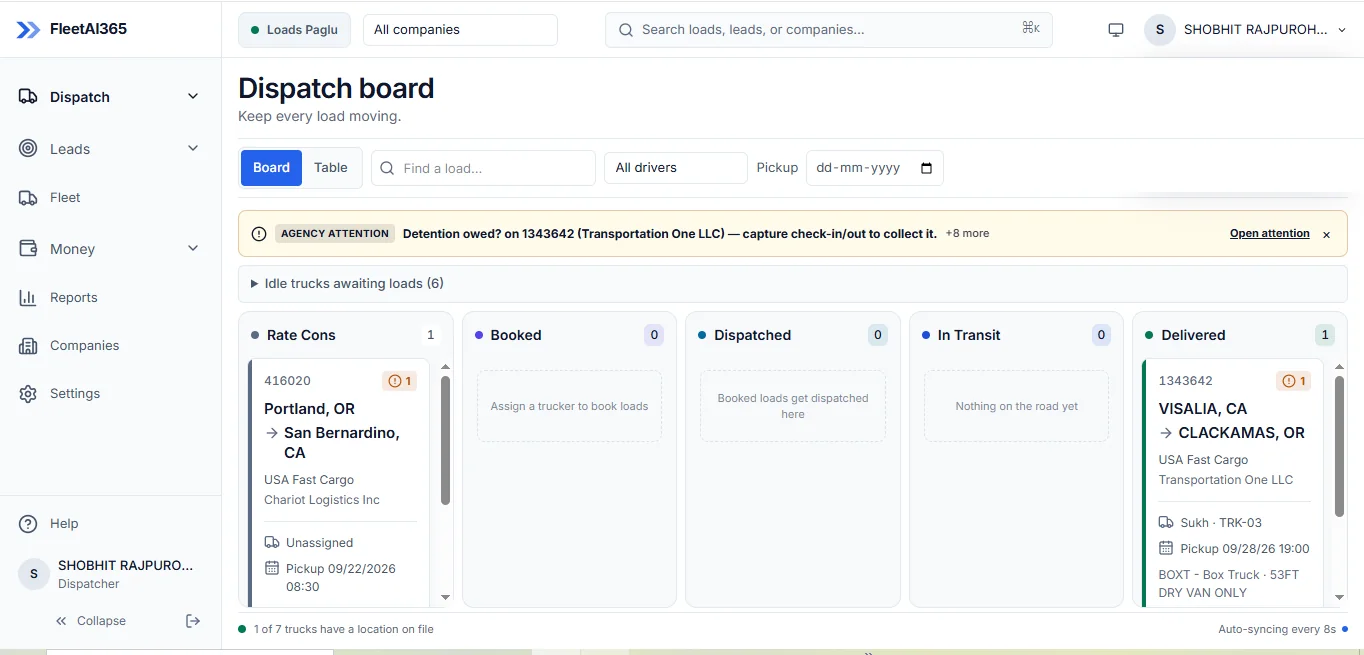
Five stages from Rate Cons to Delivered. An attention queue puts late pickups and idle trucks in front of you first, and the board keeps syncing while you work.
Each one answers a specific problem dispatchers deal with every day, and each one keeps you in control.
Five stages from Rate Cons to Delivered. An attention queue puts late pickups and idle trucks in front of you first, and the board keeps syncing while you work.
Review existing truck and driver assignments before confirming another load. Ask to see how assignment conflicts are handled in your workspace during a demo.
Illustrative example
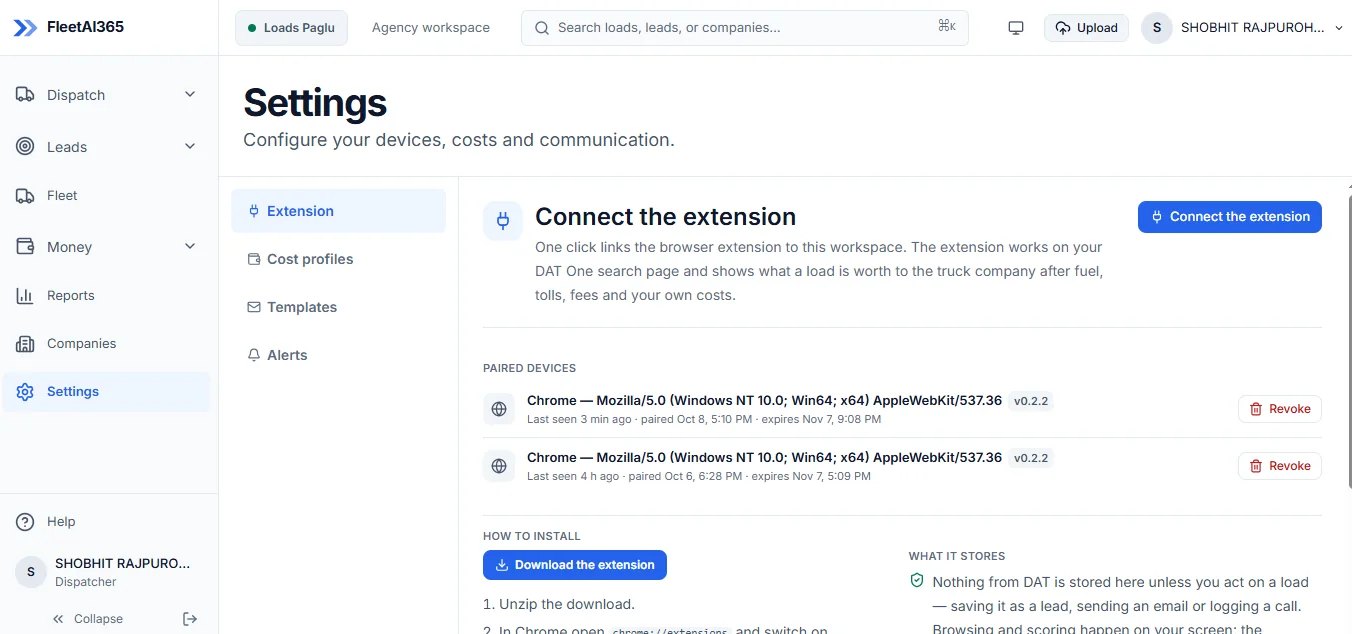
On your DAT One search page it shows what a load is worth to the truck company after fuel, tolls, fees and your own costs. Ask for a demonstration of the extension and its requested permissions before connecting an account.
Drafts replies to brokers from the load facts, so you are not rewriting the same email. AI drafts, you review and click send. Nothing goes out on its own.
Illustrative example
Detention and layover are easy to forget at the end of a long week. FleetAI365 flags loads where detention may be owed and asks for check-in and check-out times, so the money is not left behind.
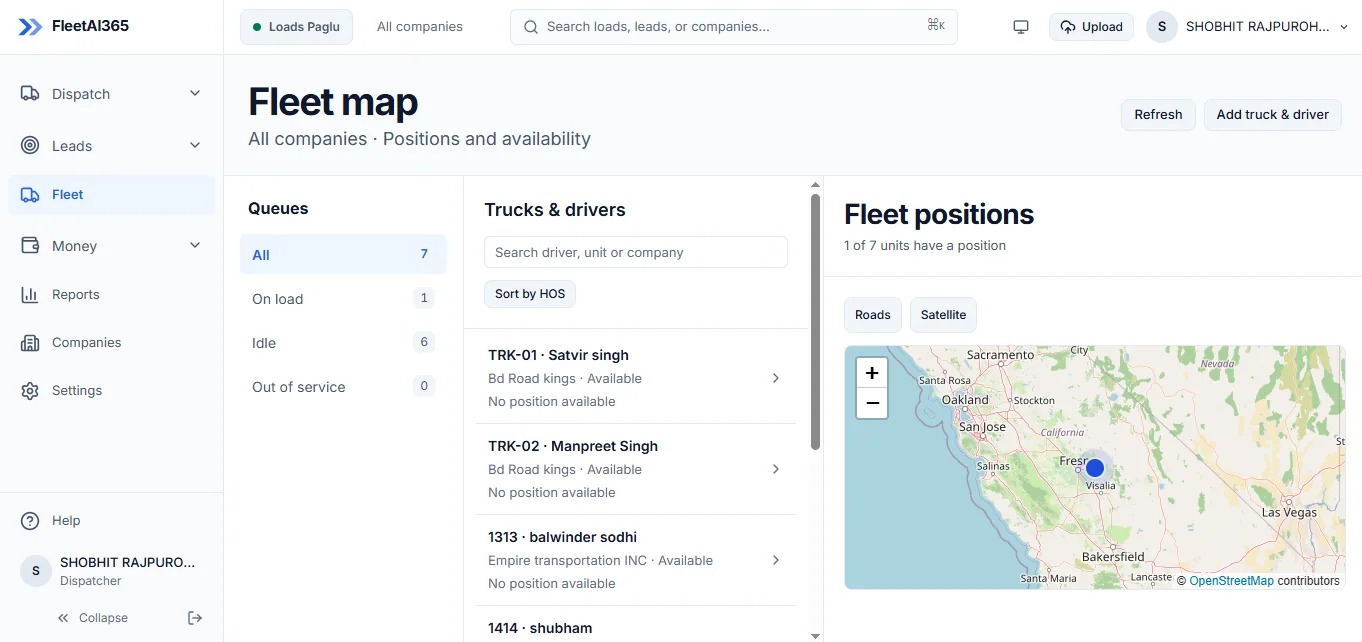
See where your trucks are and which are idle. Track drivers by phone link or through a Motive ELD connection.