 FleetAI365
1Extract
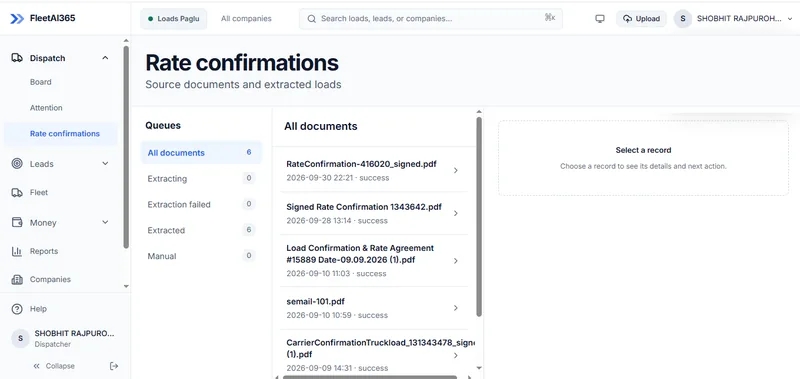
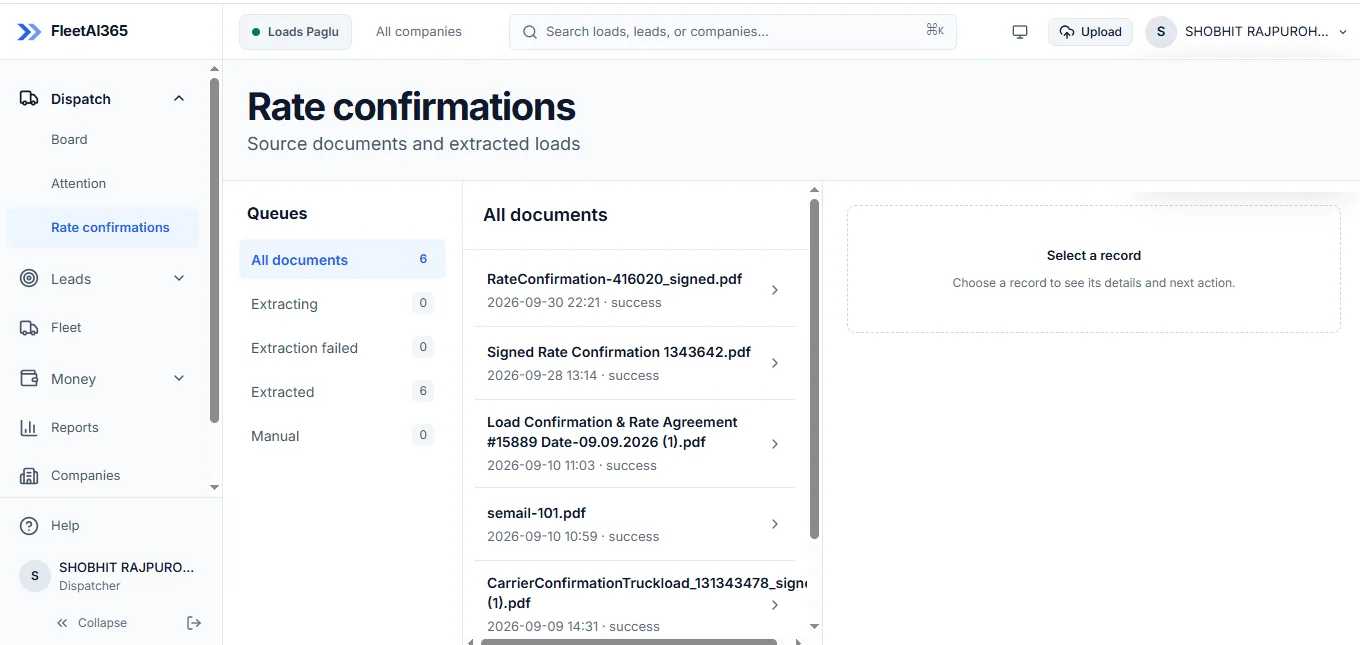
Drop a rate confirmation PDF. FleetAI365 reads the broker, stops, appointment times and rate into a load record. No manual entry.
Dispatch software for independent agencies
Review rate confirmations, check truck assignments and keep carrier owners informed. Your dispatchers approve every booking and outgoing email.
A rate con lands as a PDF. You retype it into a sheet, check the board in another tab, look up miles on a map, do the margin on a calculator and write the broker email by hand. Every handoff is a chance to mistype a time or double-book a truck.
Drop a rate confirmation PDF. FleetAI365 reads the broker, stops, appointment times and rate into a load record. No manual entry.
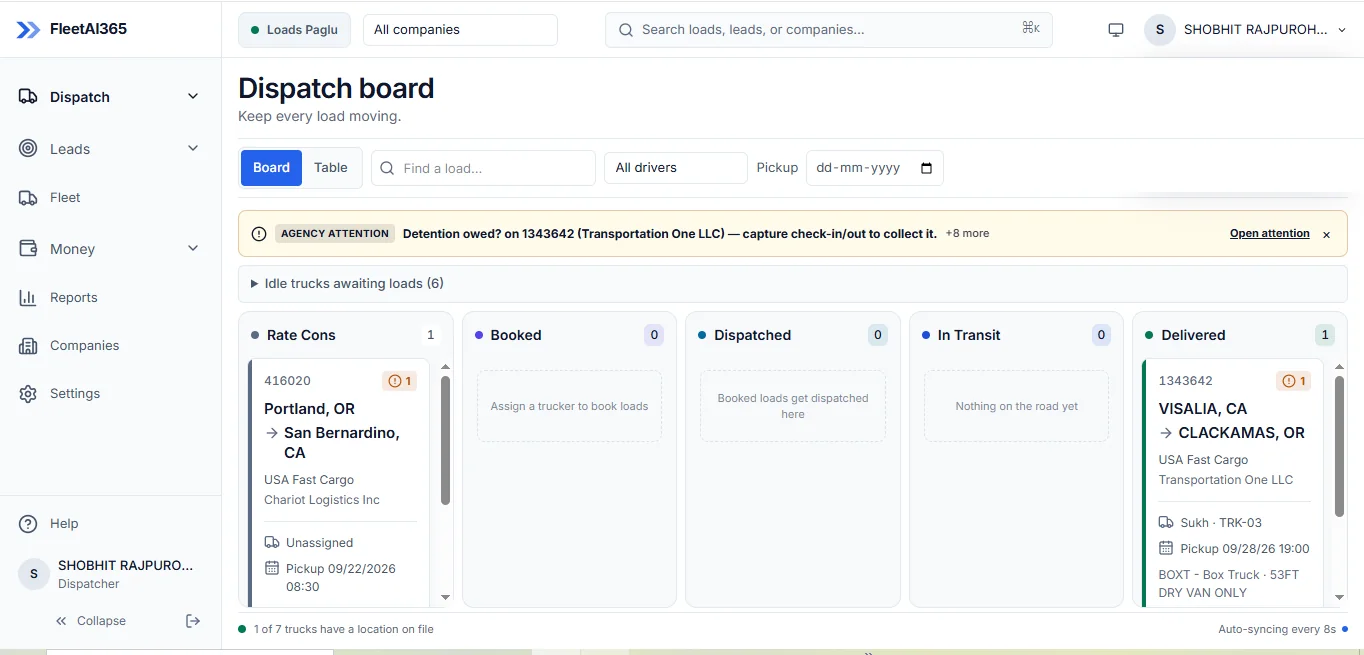
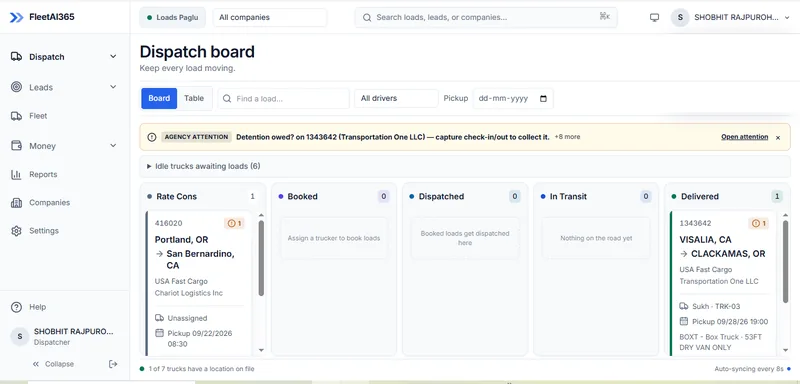
Fixed rules, not AI guesses, check the load against your fleet. Overweight limits, impossible appointment times and missing fields are flagged before they cost you, and they land in an attention queue.
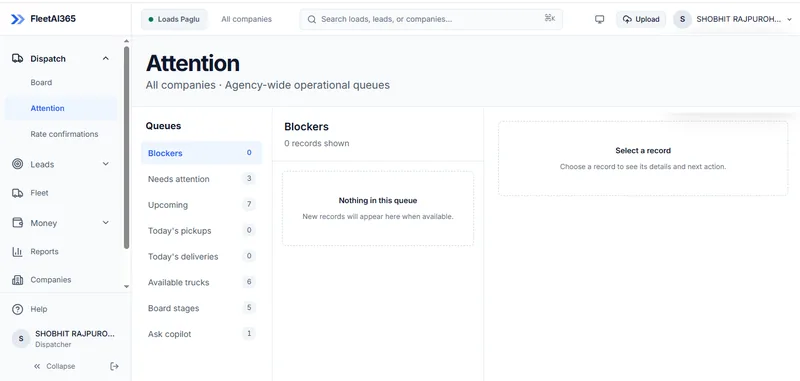
Assign a driver with one click. The Over-Dispatch Guard blocks a truck or driver already on a load. Dispatch emails go out from your own Gmail, and the load moves across five stages to Delivered.
The AI never books a load on its own. It reads and drafts. Fixed rules give the same answer every time. A person makes the call.
Reads the rate confirmation and drafts the broker reply from the load facts.
Deterministic checks catch overweight limits, impossible times and duplicate bookings.
You review and click. The AI never books a load or sends an email on its own.
Illustrative example
Five stages: Rate Cons, Booked, Dispatched, In Transit, Delivered. An attention queue puts late pickups and idle trucks in front of you first, and the board keeps syncing while you work.
Detention and layover are easy to forget at the end of a long week. FleetAI365 flags loads where detention may be owed and asks for check-in and check-out times, so the money doesn’t get left behind.
A hard block, not a warning. A truck or driver already on a load can’t be assigned to another.
Illustrative example
Drafts replies to brokers from the load facts. AI drafts, you click send.
Illustrative example
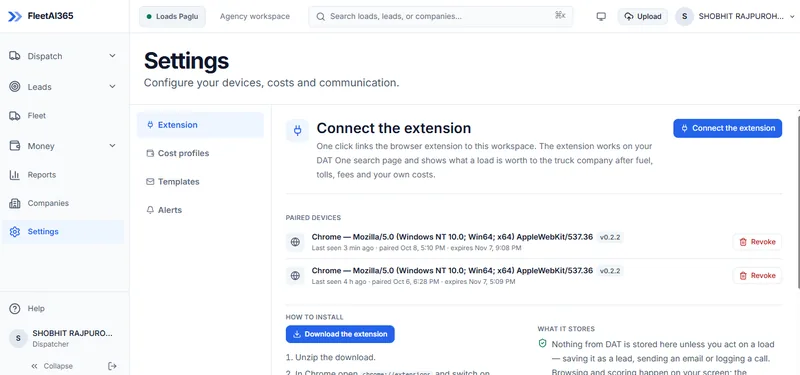
On your DAT One search page it shows what a load is worth to the truck company after fuel, tolls, fees and your own costs. Ask for a demonstration of the extension and its requested permissions before connecting an account.
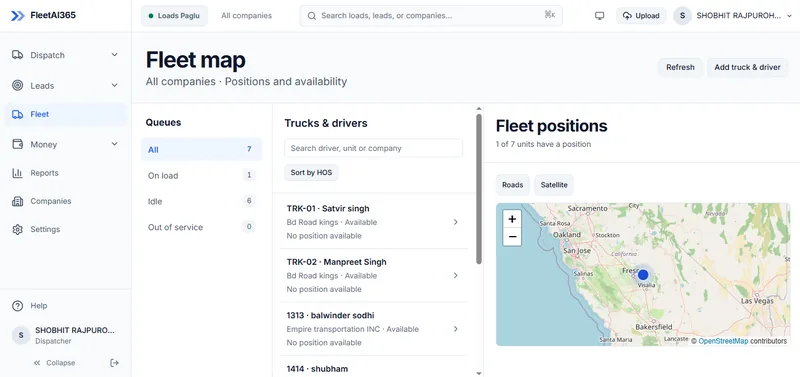
See where trucks are and which are idle. Track drivers by phone link or through a Motive ELD connection.
Give trucking company clients a dedicated portal. They see only their own fleet: real per-load economics, rate versus actual routed miles, and automated driver pay statements with deadhead included.
Illustrative example
Find the FleetAI365 overview that matches your dispatch operation.
Organize tendered loads, confirmations and assignment checks in one workflow.
Dispatch software for independent dispatchersCoordinate agency dispatch and give carrier owners visibility into their own fleet.
Dispatch agency softwareFollow tendered loads and truck assignments for a 1–10 truck operation.
Dispatch software for small trucking companiesSee how a human-approved load workflow may fit owner-operated trucking.
Dispatch software for owner-operatorsA plan for your agency
14 days to evaluate your workflow with personal onboarding. $0 to start. No credit card required.
$99 USD / month per agency
$149 USD / month per agency
Need more capacity? Discuss a custom quote.
No. We are software for dispatchers managing already-tendered loads. We are not a load board, and we do not match freight.
Never. The AI extracts and drafts; a human must review and click to approve any action.
Our Chrome extension works with DAT One.
Gmail for dispatch and broker email, DAT One through a Chrome extension, Motive for ELD driver location, and Google or HERE for routing. We don’t claim other integrations.
Independent dispatchers and multi-client dispatch agencies in the US, and small trucking company owners with 1 to 10 trucks.
Start with a 14-day guided pilot: personal onboarding, $0 to start and no credit card required. Use sample or redacted load information for your walkthrough.
Request your guided pilot