 FleetAI365
Review the economics before acting
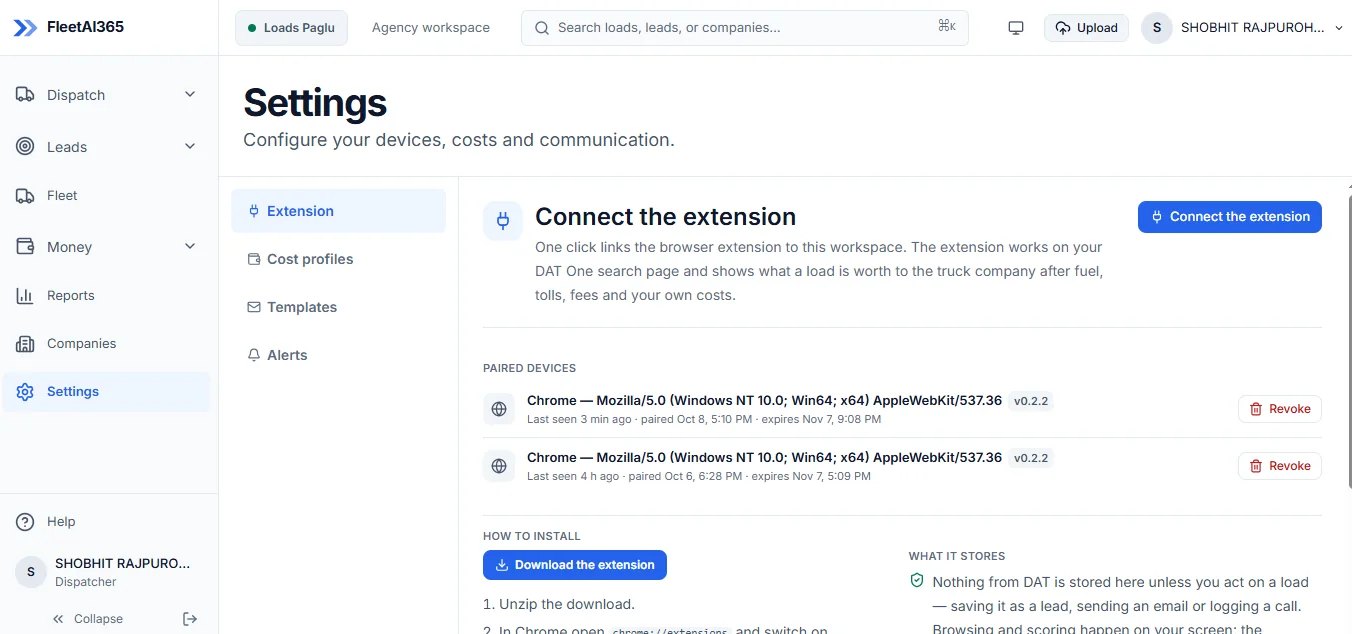
The FleetAI365 extension is presented alongside the DAT One search workflow to help assess what a load leaves after entered costs. Compare the proposed revenue with fuel, tolls, dispatch fees and other costs relevant to your operation.
Use complete inputs
Include empty miles to pickup as well as loaded miles when reviewing the trip. A result based on partial costs is not a full profit calculation. Check the revenue basis, route assumptions and any costs missing from the estimate before relying on it.
Keep a person in the decision
A cost estimate does not establish that a load is available, suitable or accepted. Review the source information and the proposed next action. Confirm the details and the carrier instructions before saving a lead or preparing a message.
Request an extension walkthrough
Ask for a demo of the current extension, workspace connection and requested permissions. There is no installation link on this page. Confirm the distribution and account requirements with FleetAI365 before installing or connecting anything; do not share credentials through the public form.